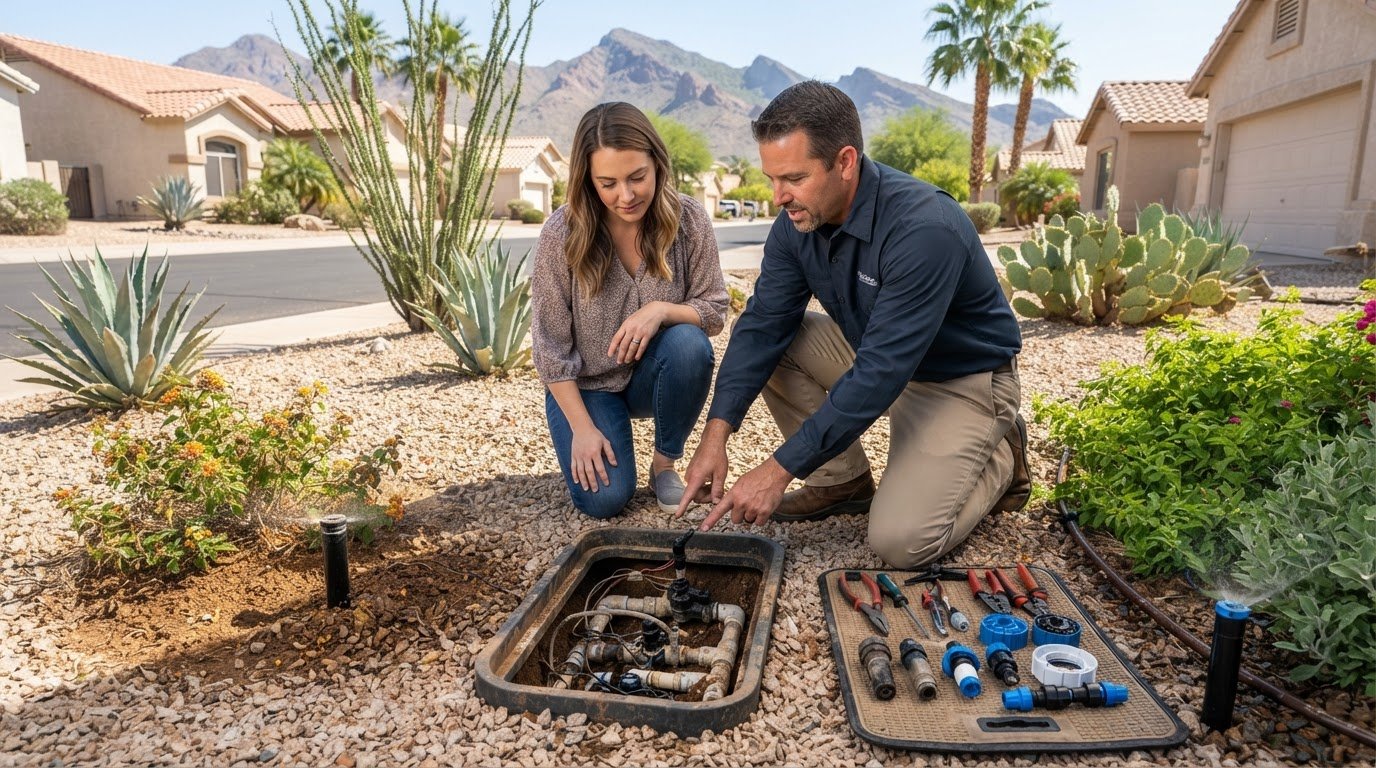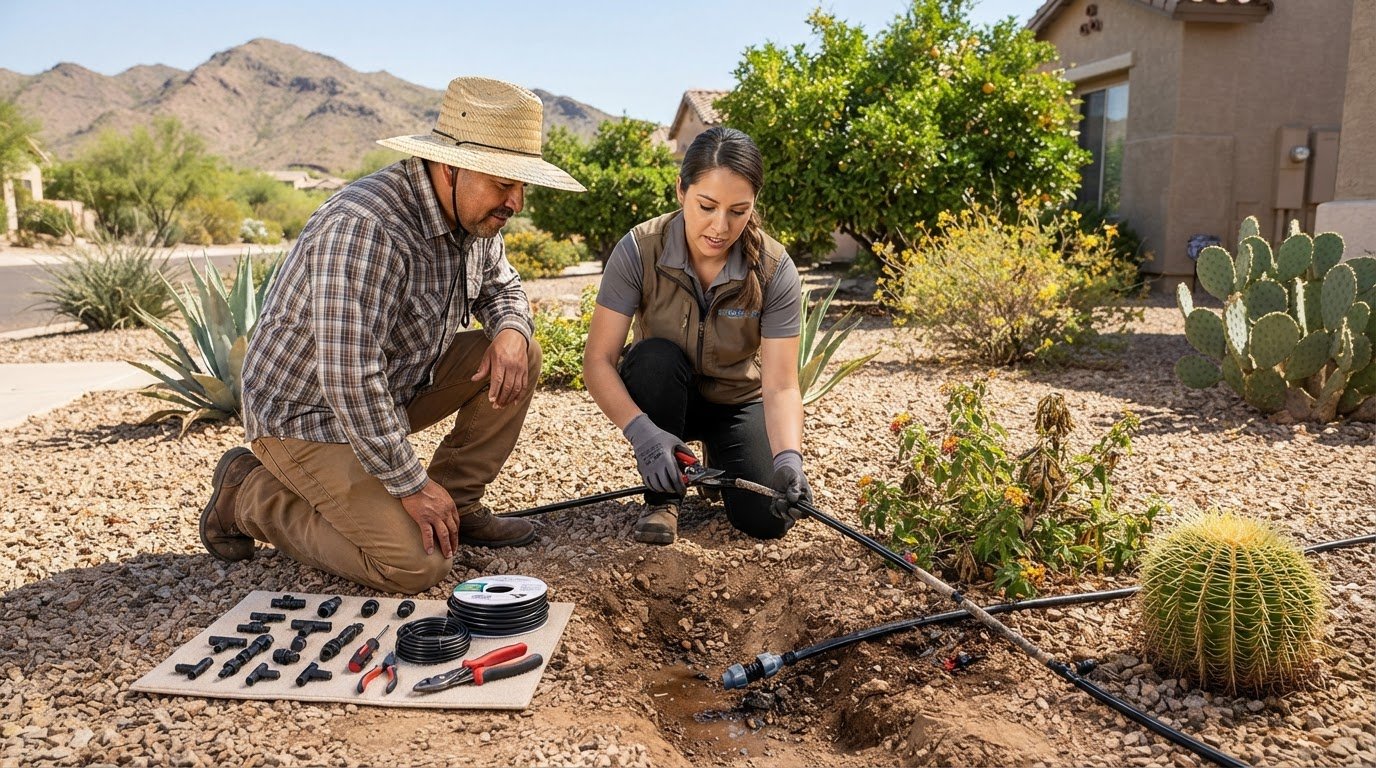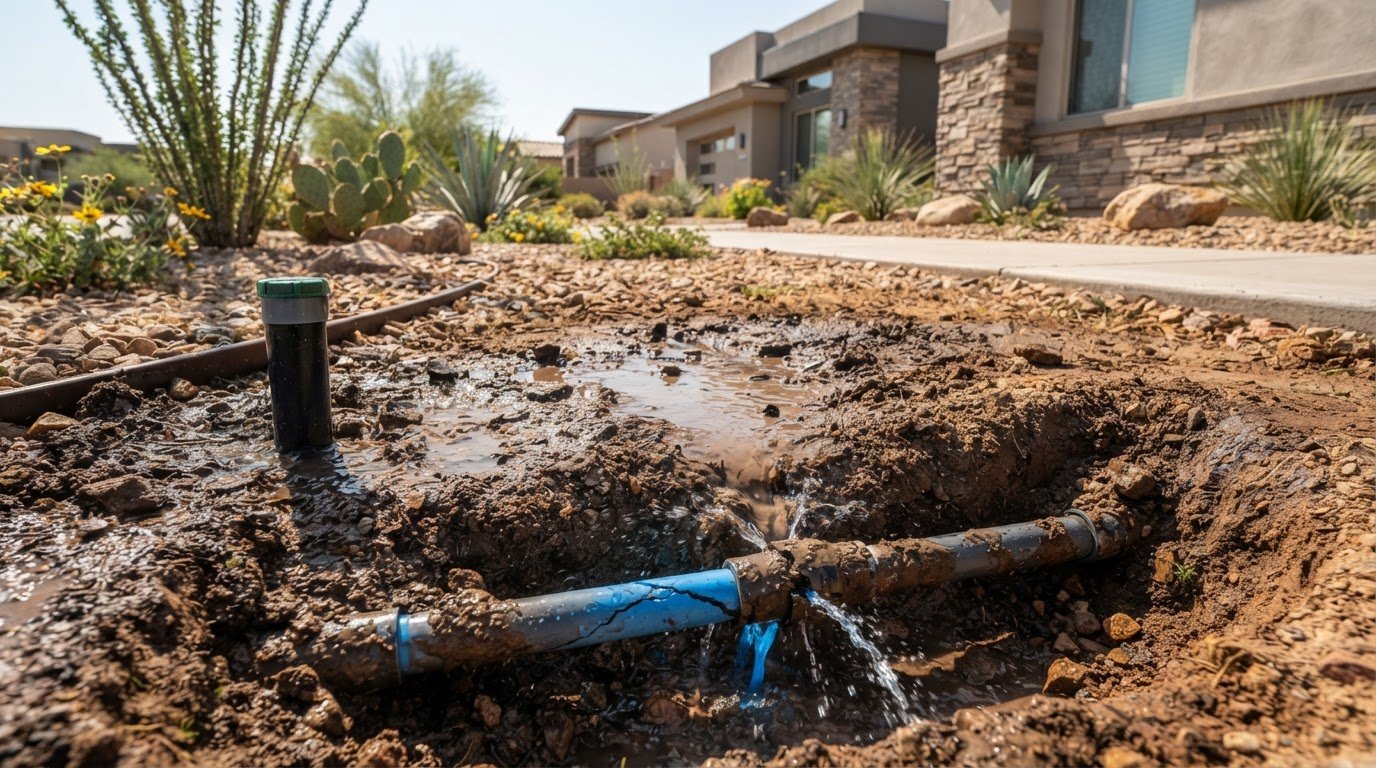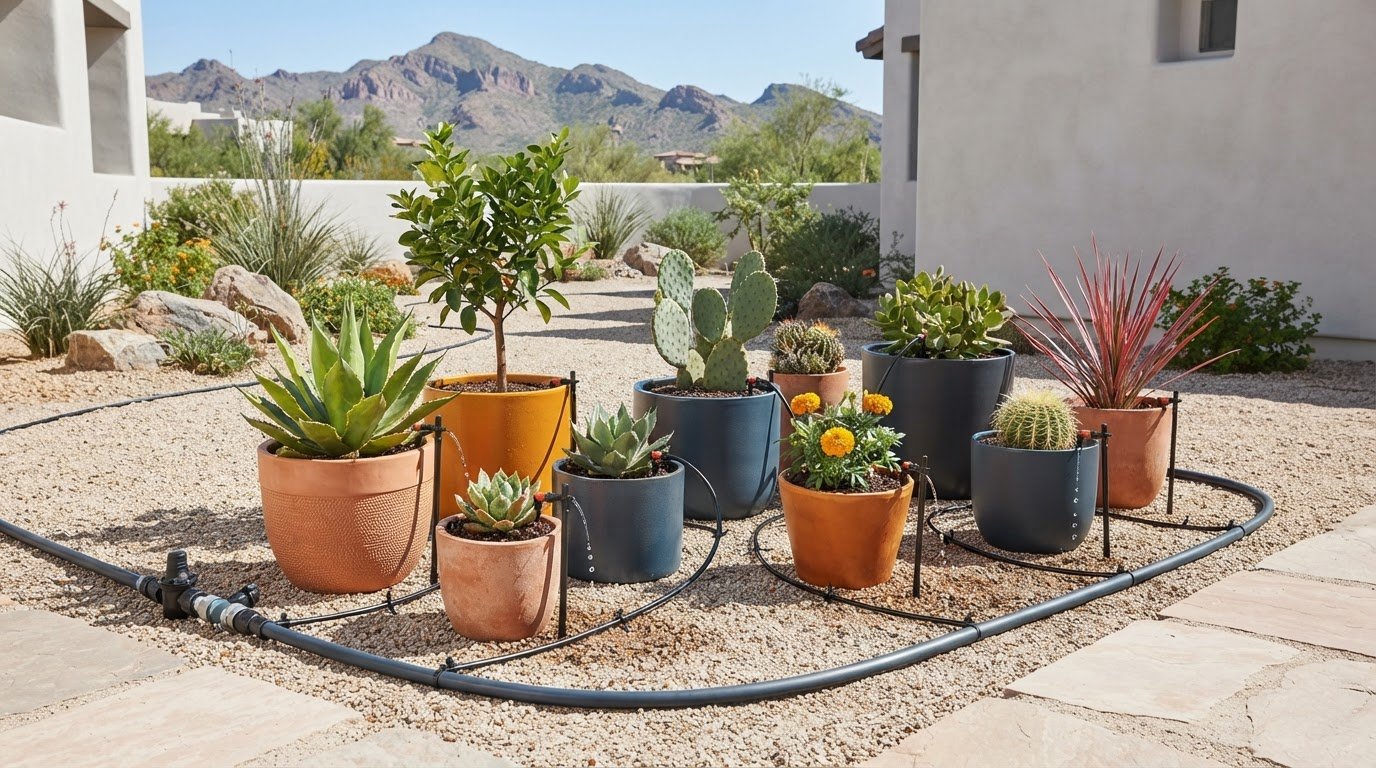
A missed watering cycle doesn’t automatically mean you need a new sprinkler timer. In Arizona, a schedule that doesn’t match the season or your property can leave plants stressed or waste water. But a wiring or valve problem can also look like a programming mistake. This guide offers sprinkler timer programming help Arizona homeowners can use to set a practical schedule and recognize when the issue may be with the irrigation system instead.
Controller settings can be unfamiliar, and Arizona’s heat makes it hard to know when to adjust watering times. A useful schedule depends on how the settings work together, what each zone waters, and current conditions. The Arizona Municipal Water Users Association recommends seasonal adjustments at least four times a year, rather than relying on one year-round program.
Here, you’ll learn how start times, watering days, and run times shape your schedule, how to adjust it for your property and the season, and which common programming errors to check. If safe checks don’t solve the problem, the symptoms may point to irrigation wiring, valves, or other equipment that needs professional diagnosis.
Key Takeaways
- Build your irrigation schedule around your plants, soil, zones, and current Arizona conditions rather than relying on one setting year-round.
- Understand how the clock, start times, watering days, station selection, and run times work together before changing the controller.
- Use these sprinkler timer programming help Arizona tips to check visible settings, label zones, and create an initial schedule suited to your property.
- If the display, power, stations, or watering behavior still seem wrong after safe checks, repeated programming changes may not solve the underlying issue.
- Persistent timer symptoms may involve wiring or valves. Professional irrigation diagnosis can help identify the next step.
Why Arizona sprinkler timer programming needs a property-specific approach
A sprinkler timer is the controller that schedules when irrigation zones operate and how long each one runs. Its settings provide the plan, but they can’t account for every difference in plants, soil, sun exposure, and seasonal weather across an Arizona property. Start with those conditions rather than copying a program. This is the foundation of sprinkler timer programming help Arizona homeowners can put into practice.
What a sprinkler timer controls
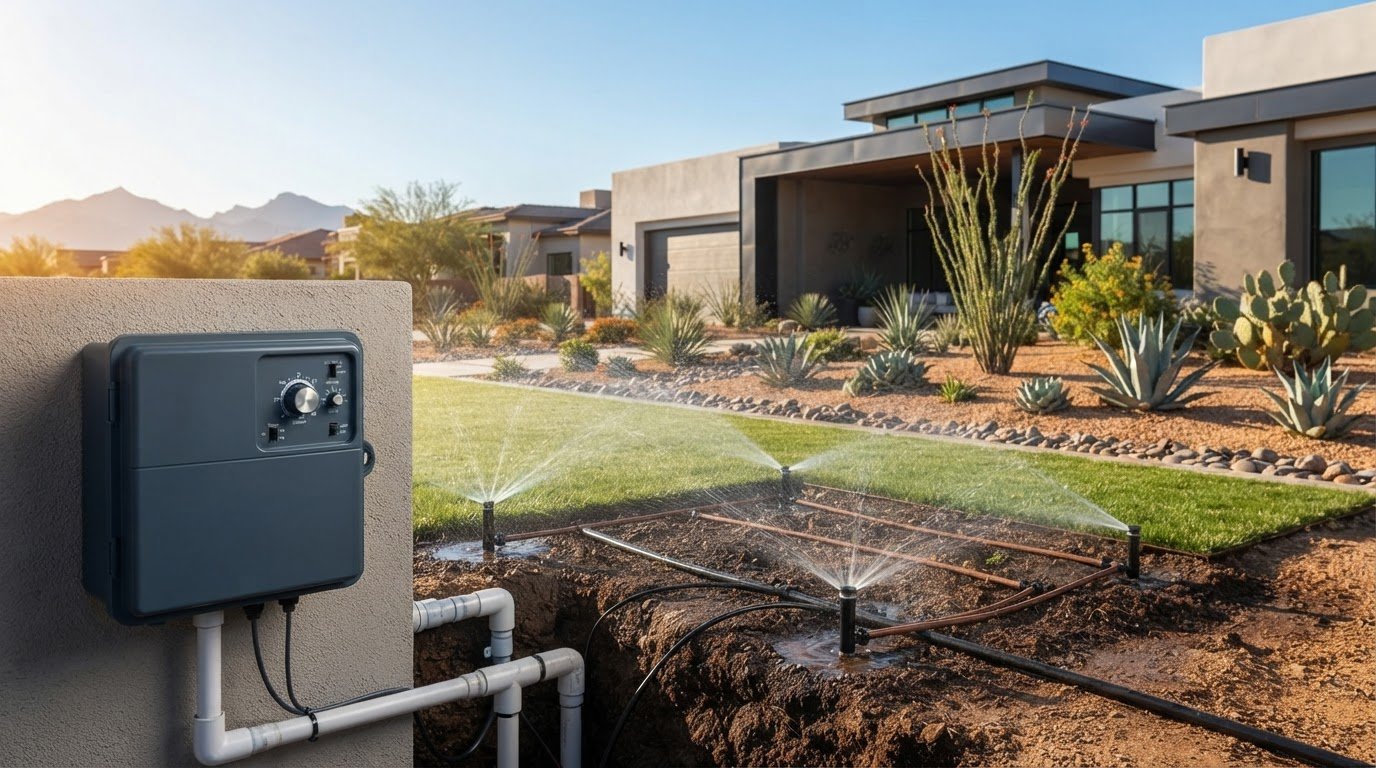
Three settings work together: watering days determine when the program runs, a start time tells the controller when to begin, and each zone’s run time determines how long that station operates. A zone is a group of irrigation components controlled by the same station. For example, one station may serve a lawn area while another waters shrubs. The controller activates stations according to the program, often one after another.
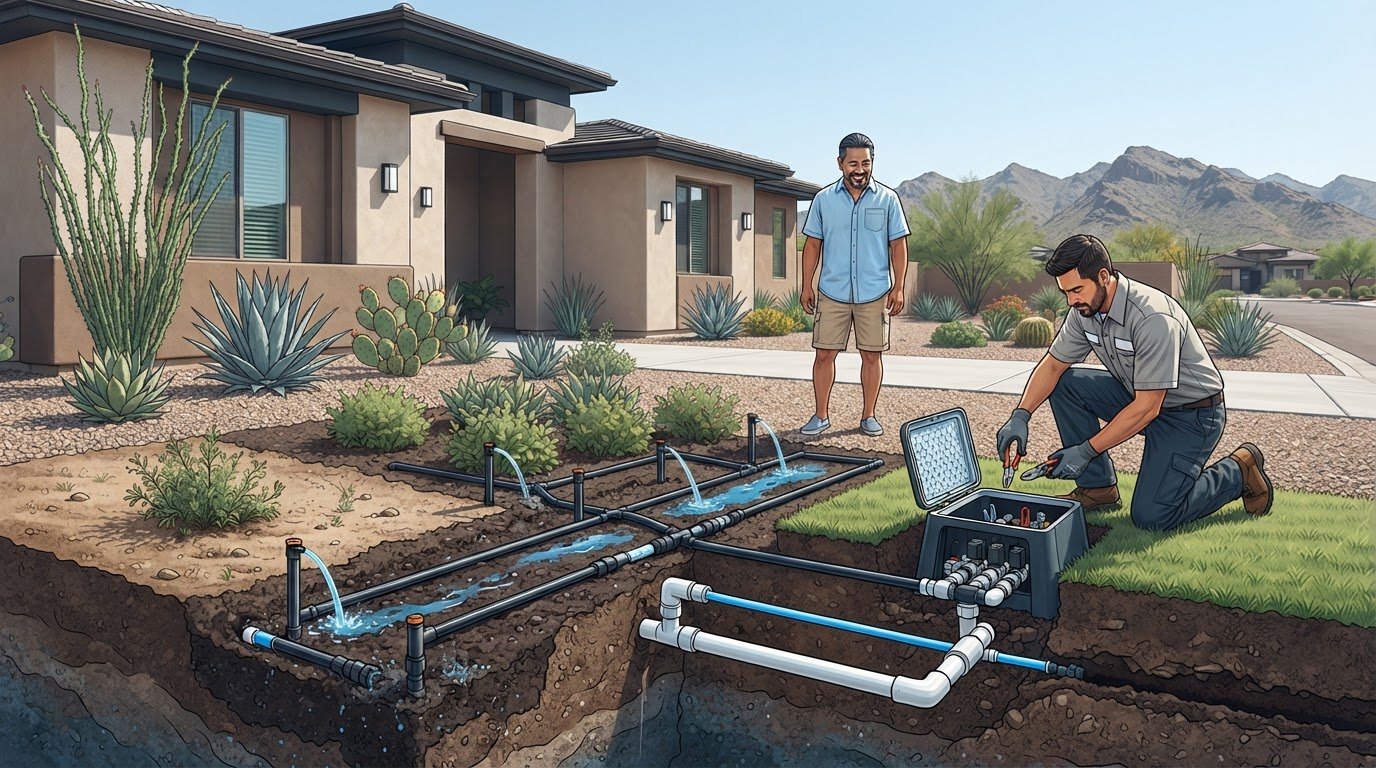
Schedule settings are separate from the physical equipment. Valves open to let water flow to a zone, while wiring carries the controller’s operating signal to those valves. A wrong start time is a programming issue. A zone that won’t activate may involve a valve or wiring problem. Learning the basics of irrigation methods and history can put sprinkler systems in context, but your controller manual is the guide to its specific settings.
Why Arizona conditions change the schedule
Water needs shift as temperatures and seasons change. Hot, sunny periods can increase demand, while cooler conditions may call for a different schedule. A single year-round program can overwater some parts of a property during one season and leave them short during another. The Arizona Municipal Water Users Association recommends adjusting irrigation schedules at least four times a year to better match seasonal plant needs.
Consider each zone individually before setting its run time. Turf, desert-adapted trees, shrubs, and planted beds don’t necessarily need the same frequency or duration. Sun exposure matters too: a sunny section may dry differently from a shaded area. Soil affects how quickly water soaks in or drains away. Instead of copying a neighbor’s timer settings, observe your own property and make careful adjustments as conditions change.
- Plant type: Group plants with similar watering needs where the system allows.
- Sun and shade: Note which areas receive strong direct sun and which stay shaded.
- Soil and drainage: Watch for runoff or lingering wet areas, which may mean a zone’s schedule needs review.
- Season: Review the program as temperatures and plant needs shift through the year.
Programming guidance is not the same as a local watering rule. Requirements or recommendations can vary by water provider, municipality, HOA, or community, and they may change. Check current guidance that applies to your address before selecting watering days. Then tailor the controller program to your plants and property within those limits.
Understand Arizona sprinkler timer settings before changing the schedule
Before adjusting a watering program, distinguish the controller’s clock from its schedule. The clock tells the timer the current time and date. The program tells it which days to water, when to begin, and how long each station should run. If the clock is wrong, an otherwise sensible schedule may start at an unexpected hour. If the program is wrong, the controller may run on unintended days or repeat a watering cycle.
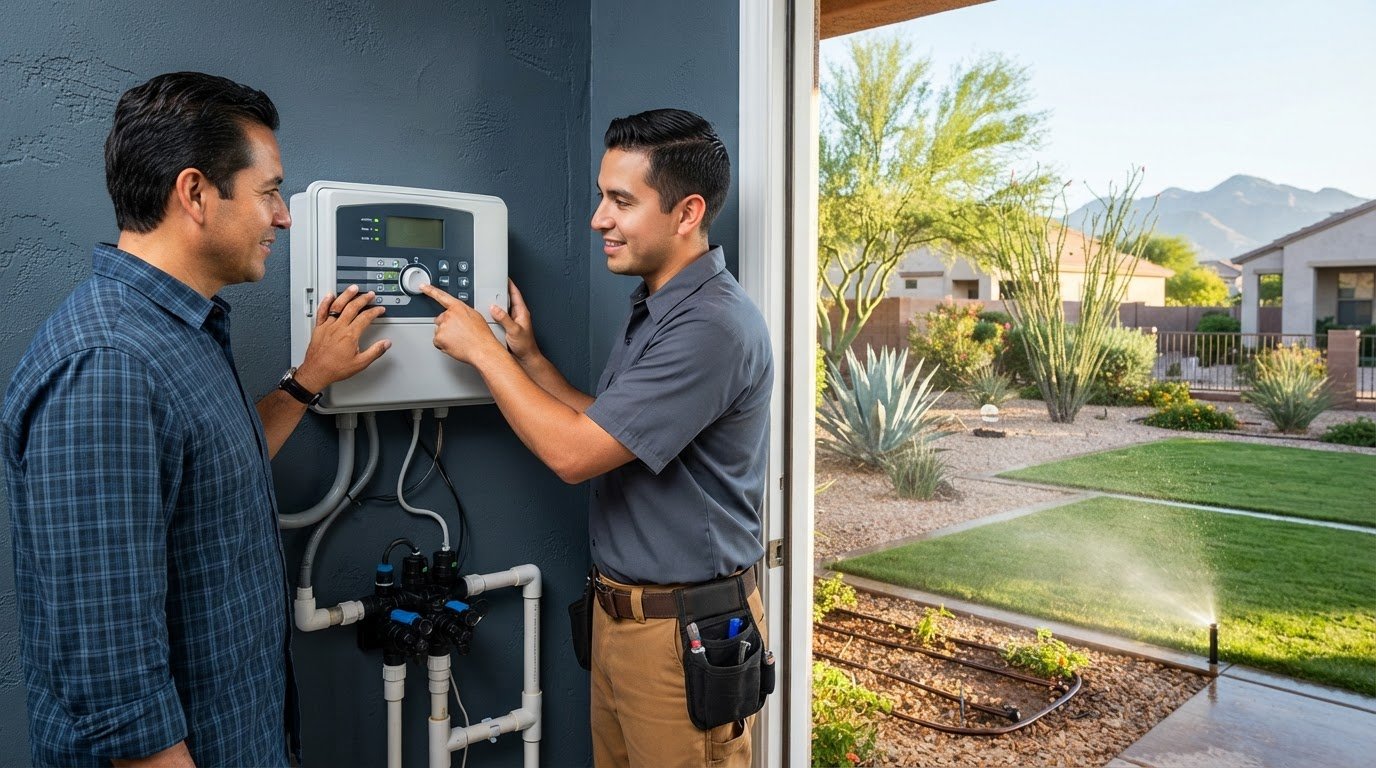
Controller displays vary. Some show a dial position or abbreviated labels; others use buttons and menus to move between settings. Symbols and buttons don’t work the same way on every model. Find the controller’s make and model, then use its manual to interpret the controls and follow the correct steps. Before changing anything, note the current settings so you can restore them if needed.
Start times, watering days, and programs
A start time generally launches a program, not an individual zone. The controller then runs each station assigned to that program in sequence, using the run time set for each one. Watering days determine when that sequence begins. If a program is scheduled for certain days, its start time applies on each of those days.
Check for duplicate start times. If the same program has more than one start time, the full sequence may repeat, causing zones to water again. Confirm the active program before editing as well. A controller can store multiple programs, and changing one won’t necessarily change the others.
Station run times and zone labels
Each station can have its own run time within a program. This lets one area run longer than another when conditions differ, but there’s no universal number of minutes that suits every zone. Consider what each zone waters and observe how water behaves during operation. Runoff, pooling, or areas that remain dry can signal that the schedule needs closer review.
Label stations by the areas they serve, such as front lawn, side-yard shrubs, or backyard drip line. Use labels that are clear to anyone who may adjust the controller. This simple reference reduces the risk of changing the wrong station or assigning a run time based on a mistaken idea of what it waters.
- Clock: Verify the current time, date, and AM/PM setting.
- Program: Confirm which program is active and which watering days it uses.
- Start times: Look for unintended duplicate starts that could repeat the full sequence.
- Stations: Match each station to its labeled area and review its individual run time.
A careful settings review is a useful first step in sprinkler timer programming help Arizona homeowners can apply without guessing at unfamiliar controls. If the display or schedule still doesn’t make sense after you check the model-specific manual, contact Sonora Sprinkler for help with persistent irrigation system symptoms.
How to program a sprinkler timer for your Arizona home
Work through the controller in a consistent order and write down what you change. This makes it easier to tell whether a schedule adjustment improved coverage or whether a separate system issue needs attention. These steps offer practical sprinkler timer programming help Arizona homeowners can use while keeping settings specific to their property.
- Identify the controller. Find its make and model, then keep the model-specific manual nearby. Button names and programming sequences vary, so follow the manual rather than guessing at unfamiliar controls.
- Check the clock and active program. Set the current date and time, including AM or PM if the display uses a 12-hour clock. Confirm which program you intend to edit. An incorrect clock can shift watering to the wrong time even when the days and run times are set as planned.
- Label the zones. Match each station number to the area it waters. If the labels are unclear, use the controller’s manual or a manual test supported by the model to identify stations safely. Record the area beside the station number, such as front lawn or side-yard planting bed.
- Choose watering days. Select days that fit the property’s current needs and comply with applicable water-provider, municipal, HOA, or community guidance. Requirements and recommendations vary, so verify current guidance for your address before relying on the schedule.
- Set an initial run time for each zone. Consider what the zone waters, its sun exposure, soil, and how water behaves during operation. Avoid copying one run time across areas with different needs. Watch for runoff, pooling, or dry patches, then use those observations to decide whether a particular zone needs adjustment.
- Save and record the settings. Follow the manual’s instructions to save or exit programming, then note the watering days, start time, and run time for each station. This gives you a clear baseline for later comparisons instead of relying on memory.
Test the setup carefully. If your controller has a manual or test function, use it as described in the manual and observe whether the intended station operates. A station that doesn’t run, or a different area activating than expected, is useful information. Don’t assume that changing the schedule will correct a physical system problem.
To check the programmed schedule, verify the clock and start time, then observe the system when that start time arrives. If you make an adjustment, change one setting at a time and record it. That way, you can connect the result to the change instead of troubleshooting several variables at once.
Before leaving the schedule in place, compare it with current local watering guidance and review it as seasonal conditions change. If a safe settings check or test doesn’t behave as expected, the issue may involve more than programming. Contact Sonora Sprinkler about persistent controller symptoms. The company provides irrigation wiring diagnostics, valve services, and repairs for residential systems.
When reprogramming will not fix an Arizona sprinkler timer problem
A schedule can be wrong, but not every missed cycle is a programming error. First compare the controller’s visible settings with the schedule you intended. If they match and the system still fails to start, stop, or operate a particular zone, the cause may involve the controller, power, wiring, or a valve. Sprinkler timer programming help Arizona homeowners can use starts with that distinction: check settings safely, then recognize when the symptoms point beyond them.
Symptoms that point back to programming
Check the display and confirm the clock, date, AM/PM setting, active program, watering days, and start time. Then compare each station’s run time with your notes. A wrong clock or an inactive program can explain watering at an unexpected time or not on the intended day. Duplicate start times can also make a schedule run more than once.
If a visible setting is incorrect, use the controller’s manual to make that specific change. Check the next scheduled cycle or use the model’s manual test function as directed. A schedule that looks correct on screen only confirms what the controller is set to do. It doesn’t prove that a valve opens or that the signal reaches the intended zone.
Symptoms that call for irrigation diagnosis
A blank display, buttons that don’t respond, one station that repeatedly fails to operate, or a schedule that still misses cycles after settings checks may indicate a power, controller, wiring, or valve issue. A zone that keeps running after its scheduled time may also need inspection. These symptoms can overlap, so avoid replacing or repeatedly reprogramming the timer based on a guess.
Keep homeowner checks to visible settings and safe steps in the controller manual. Don’t open wiring connections, handle electrical components, or attempt repairs inside the controller. If its display is blank, follow only the manual’s guidance for basic external checks. Stop if the instructions call for electrical work or the cause isn’t clear.
- Settings mismatch: A visible clock, program, day, or station setting doesn’t match the schedule you meant to use.
- Possible equipment symptom: Settings appear correct, but the display is blank, a station won’t operate, or watering doesn’t start or stop as programmed.
- Important distinction: Repeated schedule edits cannot correct a failed electrical connection.
When a station’s behavior suggests an electrical fault, the problem may be in the connection between the controller and field equipment rather than in the schedule itself. Irrigation wiring diagnostics can help identify how wiring symptoms fit into system troubleshooting.
If safe settings checks haven’t resolved the problem, professional inspection can help distinguish a controller issue from wiring or valve trouble. Request irrigation system diagnosis from Sonora Sprinkler to take the next sensible step.
Get professional sprinkler timer programming help in Surprise, Peoria, and nearby Arizona communities
If you’ve checked the visible settings and followed the controller manual but the schedule still doesn’t run as expected, repeated reprogramming may not help. A timer symptom can come from the controller or connected irrigation components, including wiring and valves. Professional inspection can help narrow down the cause instead of treating every missed cycle as a programming mistake.
What professional diagnosis can help clarify
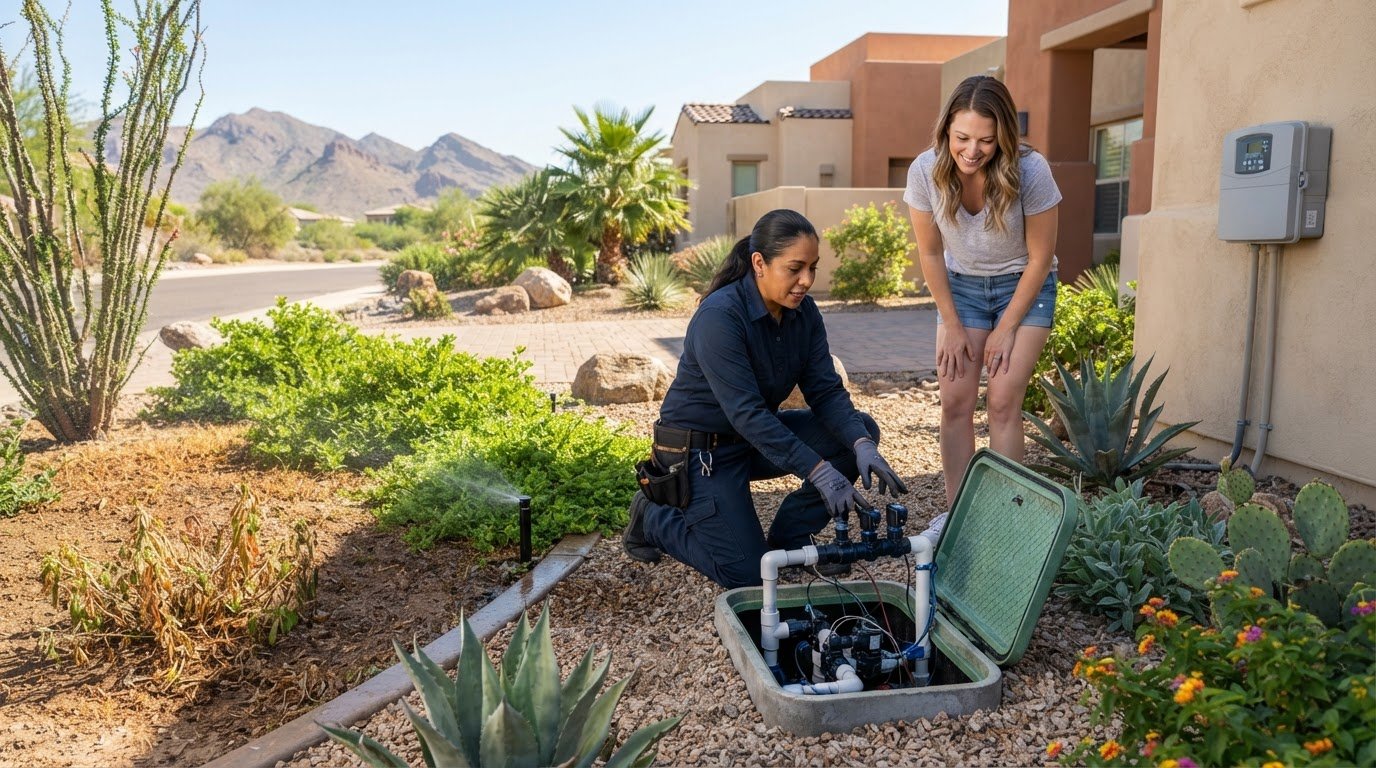
A scheduling complaint is one part of a residential irrigation system. The controller may display a program correctly, yet a station might not operate as expected. Wiring diagnostics can help investigate electrical symptoms affecting scheduled operation, while valve services and irrigation repairs and maintenance address other possible system issues. The next step depends on the symptoms and inspection findings.
Sonora Sprinkler provides residential irrigation repairs and maintenance, wiring diagnostics, and valve services. When describing the issue, note whether the display is blank, a particular station fails, or watering starts at the wrong time. Include safe checks you’ve already made, such as confirming the clock or active program, without opening the controller or handling wiring.
Request help for a residential irrigation system
Sonora Sprinkler Inc. is family-owned and operated, licensed and insured, and has served Arizona homeowners since 1995. Its residential irrigation service communities include Surprise, Peoria, Sun City West, Verrado, Buckeye, Sun City, Waddell, Goodyear, and Glendale.
For homeowners seeking sprinkler timer programming help Arizona , the practical next step is to describe the symptom and checks already completed. A clear account of what the controller shows and which zones are affected helps frame the concern as part of the full irrigation system. This is especially useful when a schedule appears correct but a station still doesn’t start or stop as intended.
If a timer or schedule problem persists after safe settings checks, contact Sonora Sprinkler for assistance with your residential irrigation system. Describe your sprinkler timer issue and request assistance.
Keep your irrigation schedule responsive as conditions change
A dependable irrigation program isn’t something you set once and forget. Treat each seasonal adjustment as a chance to check how your plants are responding, note what you changed, and decide whether another adjustment is needed. Keeping a record helps you make deliberate updates instead of reacting to every dry patch with a broad increase in watering.
If the controller continues to miss cycles or a station behaves unexpectedly after safe settings checks, pause before making another change. The cause may be in the irrigation system rather than the schedule. The right sprinkler timer programming help Arizona homeowners need is a clear next step based on the symptom, not repeated guesswork.
Sonora Sprinkler is a family-owned, licensed and insured residential irrigation provider. To address a persistent timer or irrigation concern, request residential sprinkler timer and irrigation help. A careful review can help you move forward with greater confidence and care for your property.
Frequently Asked Questions
How do I program my sprinkler timer for Arizona weather?
Start by setting the controller’s clock, confirming the active program, and identifying which areas its stations serve. Choose watering days and run times based on the plants, soil, sun exposure, and conditions in each area, rather than copying a neighbor’s schedule. Arizona heat and seasonal shifts can change plant water needs. Check current guidance for your address and follow your controller’s manual for model-specific steps. These are the basics of sprinkler timer programming help Arizona homeowners can apply.
Why does my sprinkler timer run at the wrong time?
A wrong clock, date, or AM/PM selection can shift watering, as can editing a different program than the one that runs. Check the display and compare the program’s start times with your intended schedule, including whether a duplicate start time could trigger another cycle. Use the controller manual to interpret unfamiliar settings. If the displayed schedule is correct but operation remains unreliable, a controller or wiring issue may also be involved, and professional diagnosis may be appropriate.
What should I do if my sprinkler timer will not turn on?
Begin with safe visible checks: look at the display, confirm the clock and selected program, and consult the controller manual for basic instructions. Don’t open electrical components or handle wiring. If the display remains blank or stations won’t activate despite correct settings, the cause may involve power, the controller, wiring, or another connected component. Repeated schedule changes won’t address those possibilities. If basic checks don’t resolve the symptom, seek residential irrigation diagnosis.
Can I set different watering times for each sprinkler zone?
Many controllers allow a separate run time for each station within a program, though the buttons and menu sequence depend on the model. Label each station with the area it serves, then use the manual to find the correct setting. For example, a sunny turf area and a shaded planting bed may need different schedules. Base adjustments on the plants and conditions in each zone, since one run-time recommendation won’t suit every Arizona property.
Why does one sprinkler zone not run when the timer says it should?
First verify that the selected program includes that station and that its run time isn’t set to zero or accidentally skipped. If those settings are correct, one inactive zone may point to a station output, wiring, solenoid, or valve problem. The controller display shows the instruction, not whether each field component carried it out. Don’t open connections to investigate. If the zone still won’t operate, professional diagnosis can help identify the issue.
How often should an Arizona sprinkler timer schedule be reviewed?
Review the schedule as seasons and property conditions change, especially before a new watering season. Heat, plant needs, and local guidance can all affect whether the current program remains appropriate. Sonora Sprinkler recommends bi-annual inspections before the start of each watering season. Treat that as a useful system check, not a universal watering calendar: the schedule itself should still reflect your property and any current requirements that apply to your address.
Can I program a sprinkler timer without a professional?
Yes, homeowners can usually adjust visible schedule settings by following the controller manual. Check the clock, program, watering days, and station run times, then observe the system only as the manual directs. Keep clear of wiring and electrical components. If the display fails, electrical symptoms appear, or zones don’t respond despite correct settings, the problem may extend beyond programming. Irrigation diagnostics can help investigate the controller and connected equipment rather than relying on more setting changes.