What if the right Hunter controller settings depend less on the timer itself and more on what each part of your yard needs? Learning how to program a Hunter irrigation controller can feel confusing when button labels vary by model and one mistaken start time can repeat an entire watering cycle. The basic sequence is straightforward once you separate watering days, program start times, and individual zone run times.
In this guide, you’ll learn how to set the clock, choose watering days, enter a start time, and assign run times to your zones. You’ll also learn how to build a practical schedule for Arizona conditions, where heat, plant type, and seasonal changes affect how often and how long to water. Early-morning watering can reduce evaporation, but the right schedule still depends on your yard.
We’ll cover common programming mistakes and checks to make when a controller doesn’t run as expected. If one zone behaves differently from the others, the cause may be a valve or wiring issue rather than a setting. Knowing the difference can help you avoid repeated schedule changes that don’t address the problem.
Key Takeaways
- To learn how to program a Hunter irrigation controller, identify the model first and follow the instructions for its specific controls.
- Match each zone’s schedule to its irrigation method and plant needs instead of applying one run-time pattern across the whole yard.
- If watering repeats unexpectedly, check whether the selected program has more start times than intended.
- When settings appear correct but a zone still won’t run, the cause may involve field wiring or a valve rather than programming.
Understand Hunter Controller Programs Before You Change the Settings
A reliable schedule gives each part of the yard water on its intended days without skipping or unexpectedly repeating a cycle. Before changing settings, learn how the controller organizes its schedule. This helps prevent a small adjustment from affecting more zones or watering periods than you intended.
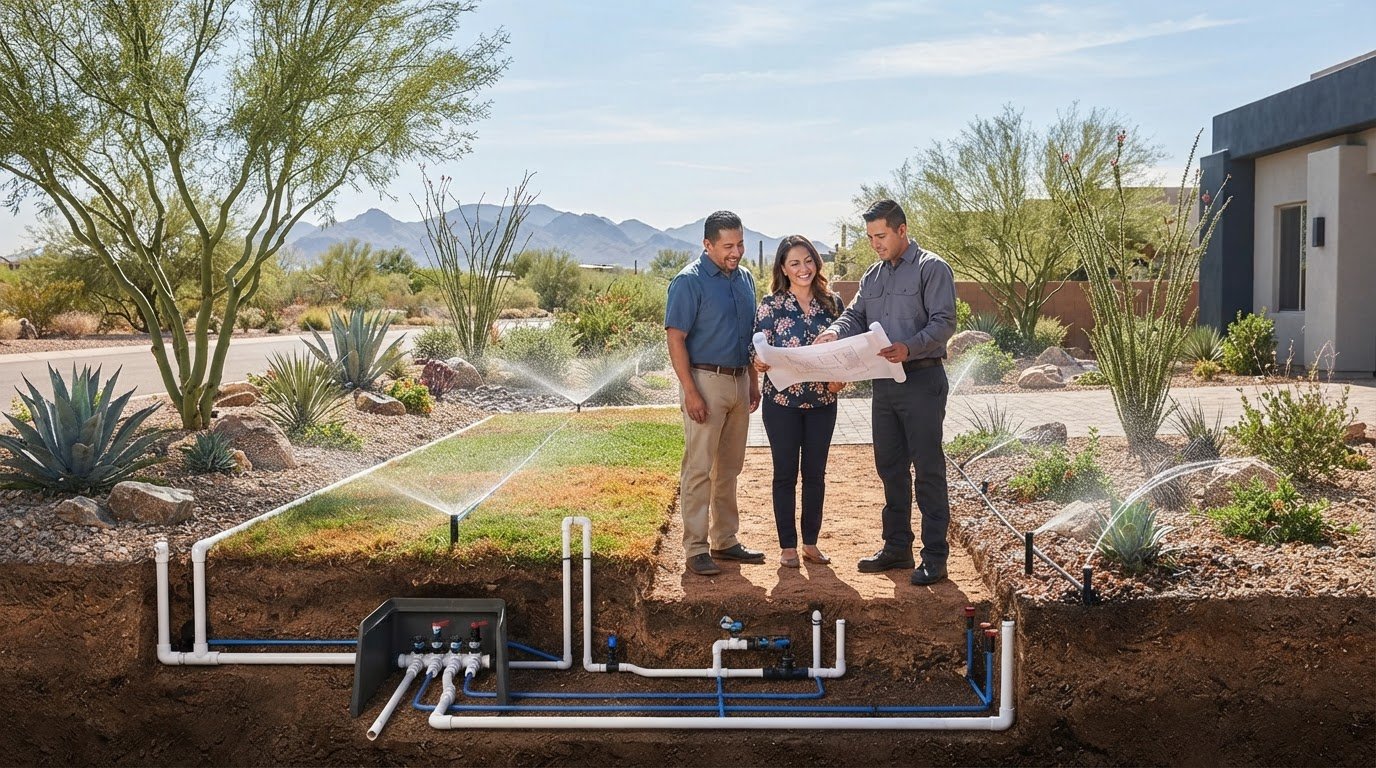
An irrigation controller manages when watering starts and how long the connected stations operate. A general overview of an irrigation controller explains the broader role of this equipment. For programming a Hunter controller, these terms are the ones to know. A program is a set of watering days, start times, and station run times. A station is a controller output assigned to a valve or irrigation zone. The program organizes the schedule; each station identifies where water is sent.
Find the Hunter controller model and its programming controls
Look for the model name on the controller’s face or on a label inside or on the enclosure. Hunter X-Core, Pro-C, and Hydrawise interfaces differ, so a button sequence or menu instruction for one model may not apply to another. Before following steps for how to program a Hunter irrigation controller , match your controller to its model-specific Hunter manual. Use the manual to interpret unfamiliar icons, display messages, or menu options instead of guessing what a control does.
This guide covers common programming concepts and the usual order of adjustments, not one universal button sequence. Controls can also vary by controller version or interface. If a label or display doesn’t match an instruction, pause and use the manual for your exact model before changing settings.
Know what programs, start times, stations, and run times control
These terms work together, but each controls a different part of the schedule:
- Program: A schedule grouping that holds selected watering days, one or more start times, and run-time settings for assigned stations.
- Start time: The time that begins the program’s watering sequence. It generally starts the first station assigned to that program, then the controller runs the remaining stations in sequence.
- Station: The controller output assigned to a valve and irrigation zone. A yard’s lawn and planting areas may be connected to different stations.
- Run time: The duration assigned to a station within a program. It determines how long that zone operates during the sequence.
For example, if one program includes three stations, its start time begins the sequence, not three separate start events. The controller runs the stations according to their assigned durations. Adding another start time may launch the program sequence again and create an extra cycle. Before changing a schedule, identify the program, the days it runs, when its sequence begins, and how long each station operates.
How to Program a Hunter Irrigation Controller Step by Step
Once you’ve identified your controller and understand its schedule terms, work through the settings in order. Controls differ by model, so treat these as programming stages rather than universal button or dial instructions. If a menu or icon doesn’t match, pause and consult the Hunter Industries owner's manuals for your specific controller.
The general sequence is: identify the model, set the clock, select a program, choose watering days, set a program start time, assign run times to stations, then return the controller to automatic operation.
- Identify the model. Read the model name on the controller face or enclosure label. Find its matching manual before adjusting unfamiliar controls or display options.
- Set the clock. Use the model’s clock or date settings to enter the current time and date. An incorrect clock can shift watering to the wrong time or day, even if the schedule itself is correct.
- Select a program. Choose the program you intend to edit, such as a separate schedule for zones with similar watering needs. Confirm the selected program on the display before changing anything.
- Choose watering days. Use your model’s controls to select the days or interval that suits the schedule. Check that unwanted days aren’t still active in that program.
- Set the start time. Enter the time the program sequence should begin. A start time begins the program, not an individual station. Extra start times can repeat the sequence, so check your model’s manual to see how its display handles them.
- Set station run times. Match each station number to its yard zone, then enter that station’s duration within the selected program. Stations assigned to a program generally run in sequence, though exact behavior can vary by model.
- Return to automatic operation. Review the settings, then restore the controller’s automatic operating mode so it can follow the programmed schedule.
Set the clock, watering days, and program start time
Distinguish the time of day from a station duration. For example, a program might begin before sunrise on selected days, then run each assigned station in sequence. The start time doesn’t tell the controller how long to water. You set that separately for each station. Before moving on, confirm the displayed time and selected days.
Assign run times to the correct stations and return to Auto
Use zone labels, a yard map, or a brief manual test to confirm which area each station controls. Then enter a duration suited to that zone and irrigation method. As an illustration, a sample program might start at 5:00 a.m. on selected days, run a spray zone for 6 minutes, and run a drip zone for 1 hour. These are examples, not recommendations for every yard. Your zones, plants, soil, and system design determine appropriate durations.
Before leaving the controller, review the selected program, days, start time, and station durations. For residential irrigation questions in Surprise or Peoria, you can reach Sonora Sprinkler through its contact page.
Build a Hunter Watering Schedule That Fits an Arizona Yard
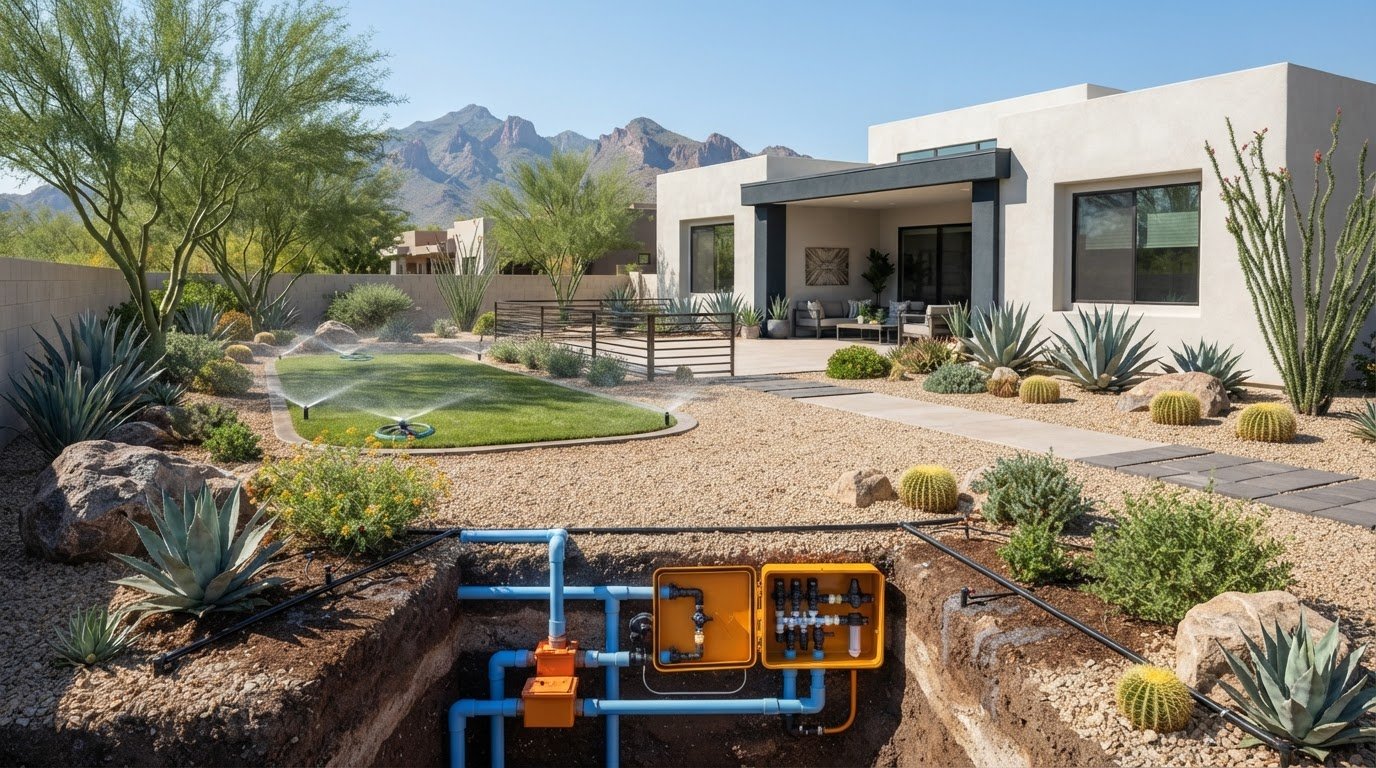
A useful watering schedule reflects the needs of the zones it controls, not just the number of stations on the controller. A sunny lawn, a shaded planting bed, and desert-adapted shrubs may need different watering patterns. In Surprise and Peoria, heat and seasonal shifts make it important to review your schedule instead of relying on one setting year-round. Temperature, rainfall, plant needs, and irrigation method all affect how water is used.
Set different schedules for lawn and drip-irrigated zones
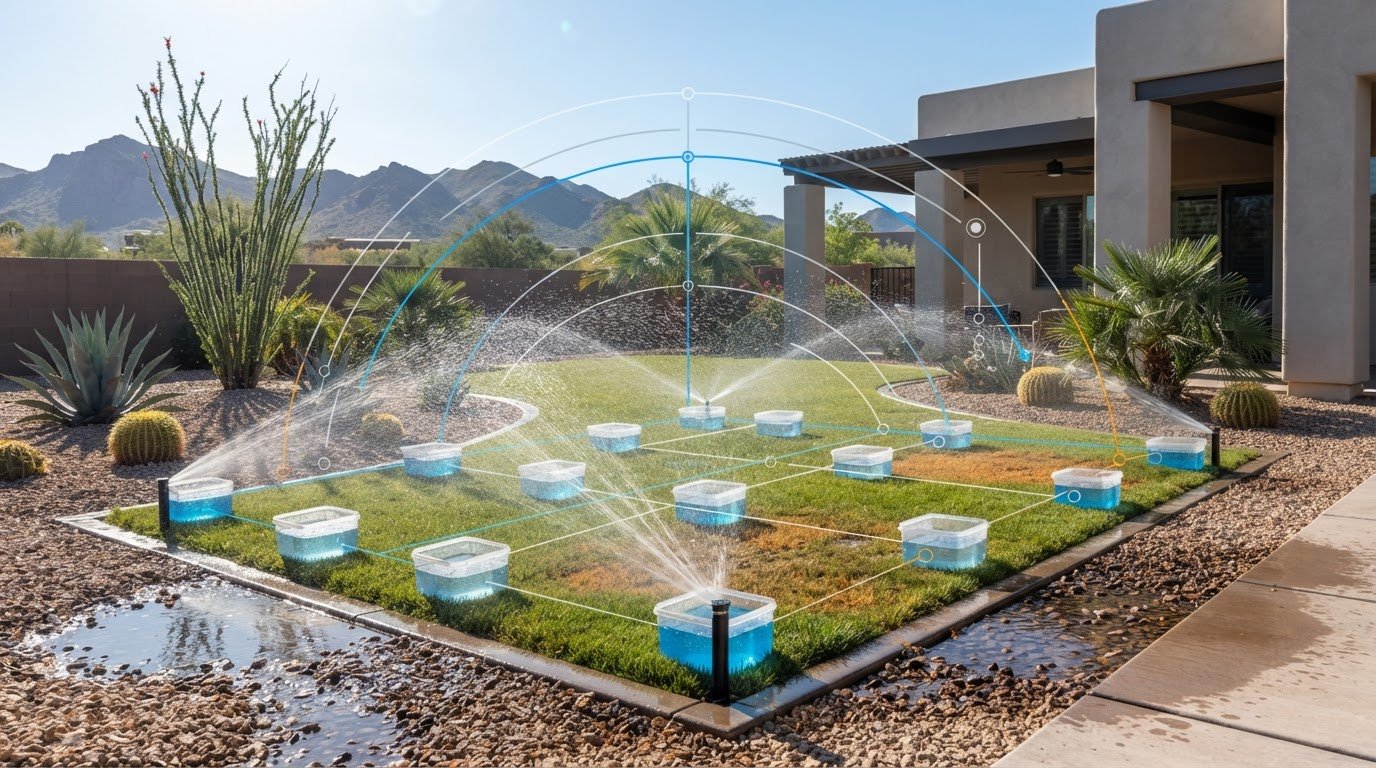
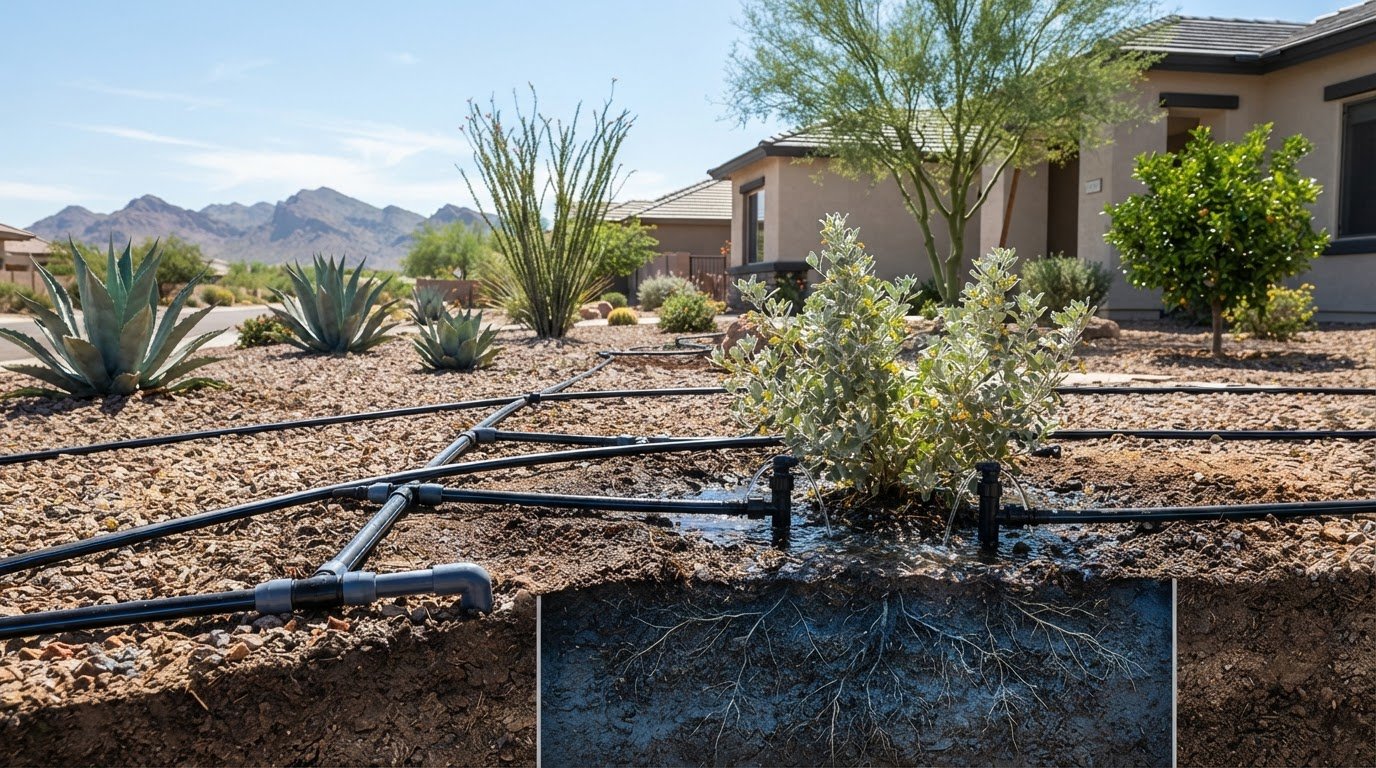
Spray and drip irrigation apply water differently, so their zones shouldn’t automatically share identical run times or watering intervals. Lawn spray zones distribute water over a broader area, while drip systems deliver water near plants and may serve trees, shrubs, or planting beds with different needs. Where your controller’s programs allow it, group zones by plant type, sun exposure, and irrigation method. For a closer look at planning drip zones, see this residential drip system installation guide.
Before changing controller settings, walk the yard while a zone runs. Check whether water reaches the intended area, whether runoff develops, and whether plants show signs of stress between cycles. These observations can help you decide what settings to review without assuming every zone needs more water.
Adjust watering as Arizona weather and requirements change
Review your schedule as temperatures, rainfall, and plant conditions change. A setting that suited one season may not fit another, and recent rain can affect what the yard needs. Check current watering guidance from your city before relying on a generic calendar or a schedule suggested for another Arizona community. Local requirements can change, so use current information for Surprise or Peoria rather than assuming a statewide rule applies.
Use a planning sheet to record what each station serves. Fill in the schedule fields after considering the zone’s conditions. The entries below are prompts, not preset watering recommendations.
Zone | Plant or area | Irrigation type | Watering days | Run time
Station 1 | Lawn | Spray | ______ | ______
Station 2 | Shrub bed | Drip | ______ | ______
Station 3 | Tree area | Drip | ______ | ______
Use “days” to record the schedule assigned to that zone’s program, and note each station’s duration separately. If a program combines zones with noticeably different needs, consider whether separating them would make the schedule easier to manage. Planning this way makes how to program a Hunter irrigation controller more practical: you can translate what you observe in the yard into clear program and station settings, then reassess as conditions shift.
Check Common Hunter Programming Problems Before Changing the Schedule Again
If watering doesn’t match the schedule, check the settings in a deliberate order before editing run times or clearing a program. The display can help you spot a programming mismatch, but it can’t confirm that a valve opens or field wiring is intact. Start with what you can verify at the controller, then look for signs that the issue may be outside its settings.
If the controller waters at the wrong time or repeats a cycle
Work through this checklist from the simplest checks to the more specific program settings. Labels and controls vary by Hunter model, so use the matching manual if a menu or display is unclear.
- Operating mode: Confirm the controller is set to run its automatic schedule, not a setting that suspends or manually controls scheduled watering.
- Clock: Check the displayed time and date, including the time of day. An incorrectly set clock can make a correct schedule appear to run at the wrong time.
- Program: Verify that you’re viewing the intended program and that its watering days are selected as expected.
- Start times: Review every start time in that program. Multiple start times can trigger the full program sequence more than once on some setups. Confirm how your model handles them in its manual before changing settings.
- Station settings: Check that the affected station has a run time in the active program and that you’re looking at the correct station number.
If the controller runs a second cycle, don’t immediately shorten each station’s duration. First check whether the program has an unintended additional start time. Before clearing or resetting anything, compare the display with the model-specific manual. A reset could remove settings you meant to keep.
If a scheduled station does not run
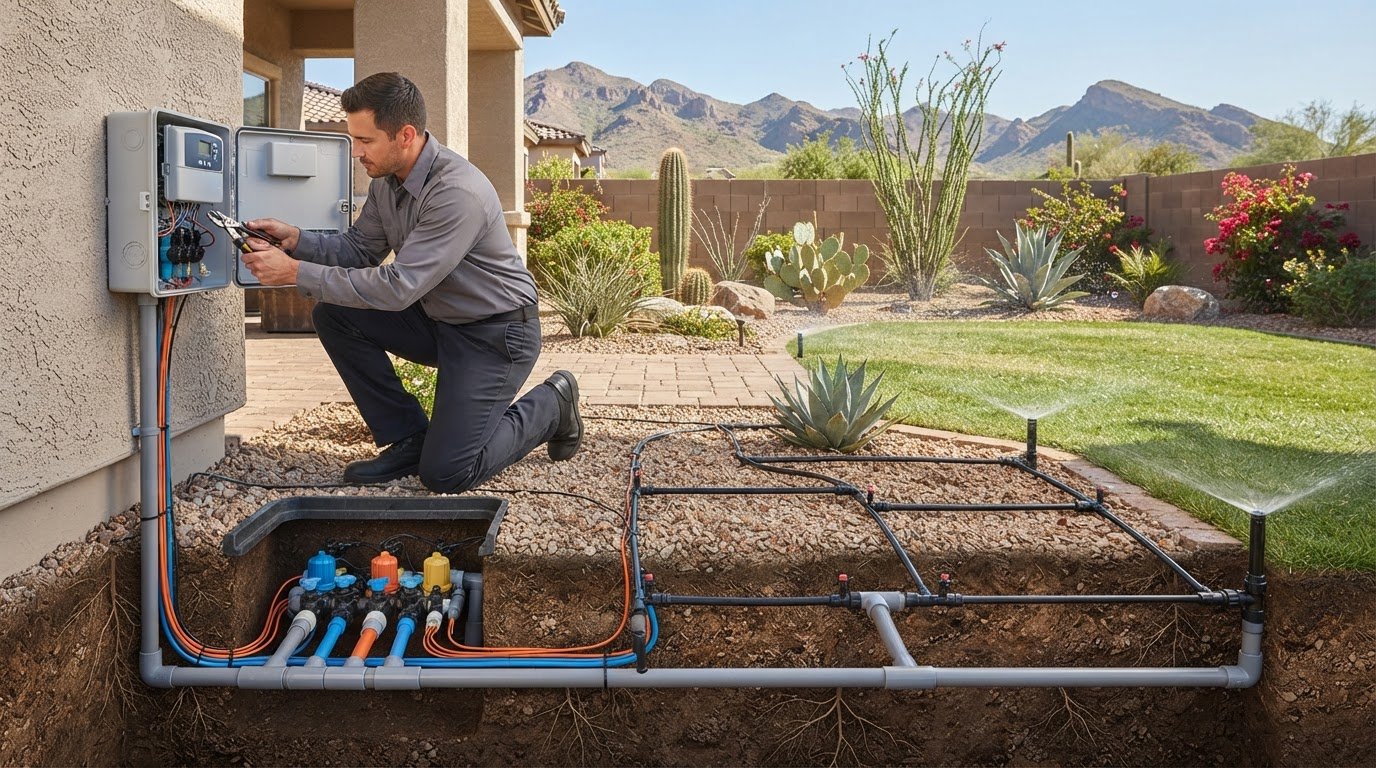
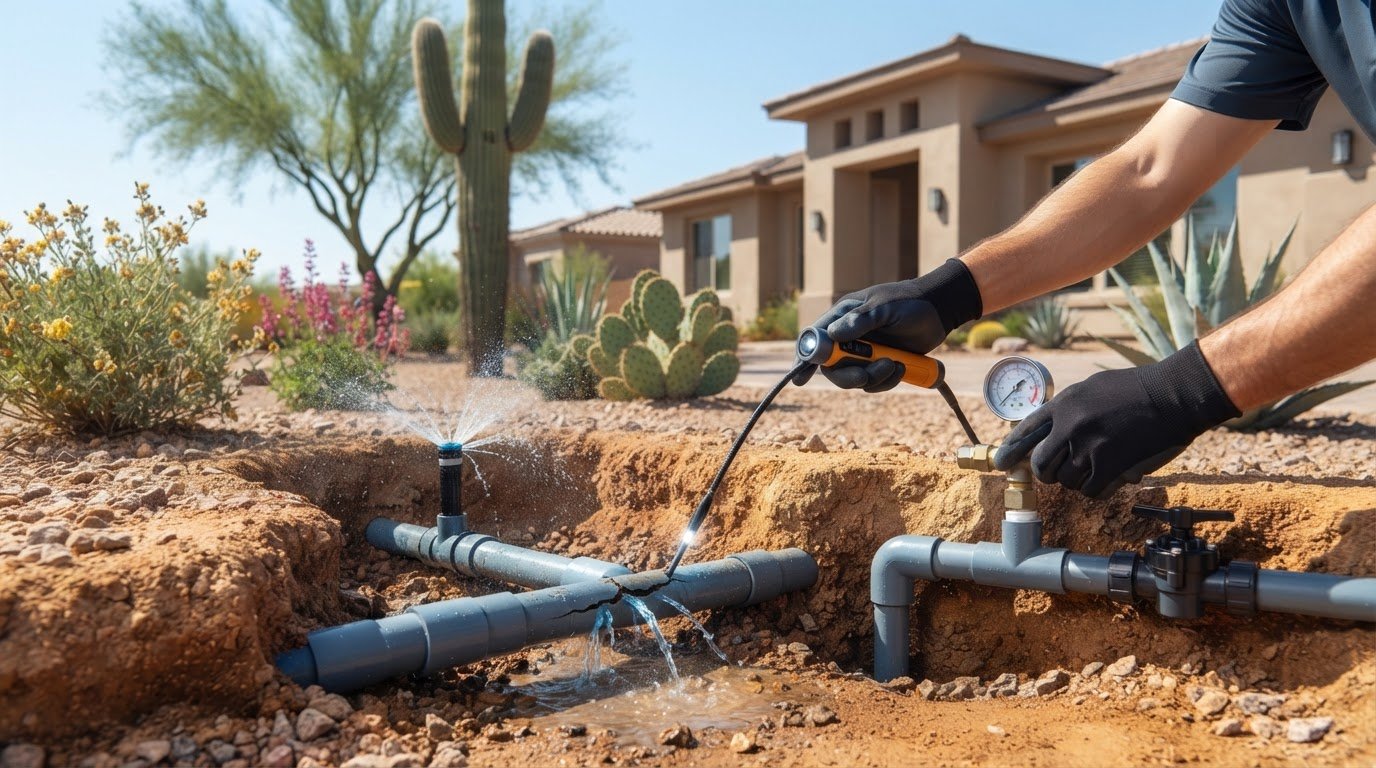
Confirm the station belongs to the program you expect to run and has a duration set in that program. Then observe what happens during the scheduled cycle, if it’s safe to do so. If the display shows that the station should be active but the zone doesn’t operate, the schedule alone can’t confirm that the valve is functioning. A problem limited to one zone may point to its valve, wiring, or another field component rather than a controller setting.
Look for patterns without opening electrical equipment. Does the same station fail repeatedly, or do several zones stop responding? Avoid touching exposed wiring or performing electrical tests. If the issue appears to involve damaged or disconnected wiring, irrigation wiring diagnostics can help identify the source.
When basic checks don’t resolve the problem, repeated schedule edits are unlikely to fix a valve, wiring, or controller fault. Sonora Sprinkler provides residential irrigation repair and diagnostic work for homeowners in Surprise, Peoria, and nearby communities. Learn more about residential irrigation repair for an issue that persists after you’ve checked the controller settings.
When Hunter Controller Programming Needs Irrigation Repair in Surprise or Peoria
Homeowners can usually adjust basic schedule settings, such as watering days and station run times, using the controller’s manual. But if the schedule appears correct and the same problem continues, repeated edits may not help. A controller can show what it’s set to do, but it can’t confirm that a valve opens, wiring carries the signal, or water reaches the zone as intended.
Recognize when the issue may be beyond the controller schedule
Pay attention to patterns rather than changing several settings at once. A station that repeatedly fails while others run, a zone that behaves differently from the controller display, or a schedule that continues to act unexpectedly after you’ve checked its settings may warrant further diagnosis. These symptoms can have multiple causes, so none alone proves a controller, valve, or wiring fault.
Keep a short record before making more changes: note the controller model, program, affected station numbers, what the display shows, and what happens in the yard. That information helps distinguish a schedule mismatch from an issue elsewhere in the irrigation system. For an overview of available repair work, see residential irrigation repair and maintenance.
Get local residential irrigation help when settings are not enough
Sonora Sprinkler is a family-owned residential irrigation specialist serving Surprise, Peoria, and nearby communities. Its repair and diagnostic work addresses problems that basic programming checks don’t resolve. The next step depends on what you observe: wiring diagnostics may be relevant when a station doesn’t respond as expected, while valve service may be appropriate when the schedule calls for watering but a zone doesn’t operate properly. A broader system issue may need irrigation repair rather than another schedule adjustment.
Knowing how to program a Hunter irrigation controller helps you check the settings with confidence, but electrical and valve faults require diagnosis beyond routine programming. Don’t open energized equipment or attempt electrical testing. Leave those checks to a qualified irrigation technician, especially if you see damaged wiring or the controller’s behavior doesn’t match its displayed schedule.
Before requesting help, gather the controller model, affected station numbers, and a clear description of the symptoms. Note whether the issue occurs every cycle or only sometimes, and whether other stations operate normally. These details give the diagnostic process a useful starting point without requiring you to guess at the cause.
If schedule checks haven’t resolved the issue, contact Sonora Sprinkler for residential irrigation help.
Keep Your Irrigation Schedule Working With Your Yard
Once you’ve learned how to program a Hunter irrigation controller , treat the schedule as something to fine-tune through careful observation, not as a setting to keep changing without a clear reason. After an adjustment, note what you changed and watch how the affected areas respond through their next watering cycles. Change one setting at a time where possible. That makes it easier to tell whether the adjustment helped or whether the issue may lie beyond the schedule.
If the controller’s settings seem right but the system still doesn’t respond as expected, you don’t have to troubleshoot every component yourself. A persistent problem may call for irrigation repair or wiring diagnostics rather than another round of programming changes. Clear notes about the model, affected zones, and what you’ve observed can help make the next step more productive.
Request help with a residential irrigation issue when you’re ready. With a measured approach, you can work toward a schedule that supports your yard and a system that operates as intended.
Frequently Asked Questions
Can I program a Hunter irrigation controller without the owner’s manual?
Yes, but identify the exact model first and use its display labels as your guide. Hunter’s owner’s manuals can help you match unfamiliar controls to the correct instructions. If you’re learning how to program a Hunter irrigation controller without the manual nearby, avoid guessing at reset or programming controls. A wrong selection could change more than the setting you intended.
How do I reset a Hunter irrigation controller?
Use the reset procedure in the manual for your specific model. A reset may restore default settings or erase programmed schedules, so write down your watering days, start times, and station run times first. Don’t assume unplugging the controller is the same as resetting it. If you’re trying to fix one zone that won’t run, check its schedule before resetting the entire controller.
Can a Hunter controller keep its schedule during a power outage?
It depends on the controller model and its memory and backup features. Some controllers can retain programmed watering information while losing the correct time, while others may behave differently. After an outage, check both the displayed clock and a few key schedule settings before relying on the next cycle. The model’s manual explains what information its backup system is designed to preserve.
Why does my Hunter controller show the wrong time after an outage?
The controller may have lost its time setting during the interruption, even if its schedule remains stored. Reset the clock to the current local time and confirm the date if your model displays one. Then check the next scheduled start to make sure it falls at the intended time. If the clock repeatedly resets after power interruptions, the controller’s backup or power supply may need diagnosis.
Can I run one Hunter sprinkler zone manually?
Usually, a Hunter controller provides a way to run a selected station manually, but the controls differ by model. Follow the manual to choose the station and set or start a temporary run, then observe the zone for leaks, overspray, or runoff. Manual operation is useful for checking coverage, but it doesn’t necessarily change the programmed schedule. Return the controller to its normal operating mode afterward.
Will a Hunter rain sensor change my programmed watering schedule?
A rain sensor typically pauses or interrupts scheduled watering when its sensor detects conditions that meet its operating threshold; it generally doesn’t rewrite the program’s selected days or station durations. The exact response depends on the controller, sensor, and setup. In Surprise and Peoria, check the controller display after local rainfall to see whether watering was suspended, and consult the manual for sensor status and restart behavior.